
Stories that shaped you, preserved forever.
One phone call. A lifetime captured in a 90-second animated film.
Stories that shaped you, preserved forever.
One phone call. A lifetime captured in a 90-second animated film.
Stories that shaped you, preserved forever.
One phone call. A lifetime captured in a 90-second animated film.



The Magic
Hear your parents’ stories once, watch them forever — retold as timeless animated films you’ll share for generations.
Listen to our family historian in action.
24/7 available call in any language that everyone can listen and join.
Watch a parent’s story brought to life.
90-second animation video for the whole family to enjoy.
How It Works
They talk.
Your parent speaks with our warm host in any language and at any time— over phone or app. Family can listen live and join the conversation with their own follow-up questions.

We listen.
The caring host ask gentle prompts to draw out vivid memories — names, places, laughter, even the smell of a childhood kitchen.

You watch.
We transform their words into a 90-second animated film you'll cherish forever.
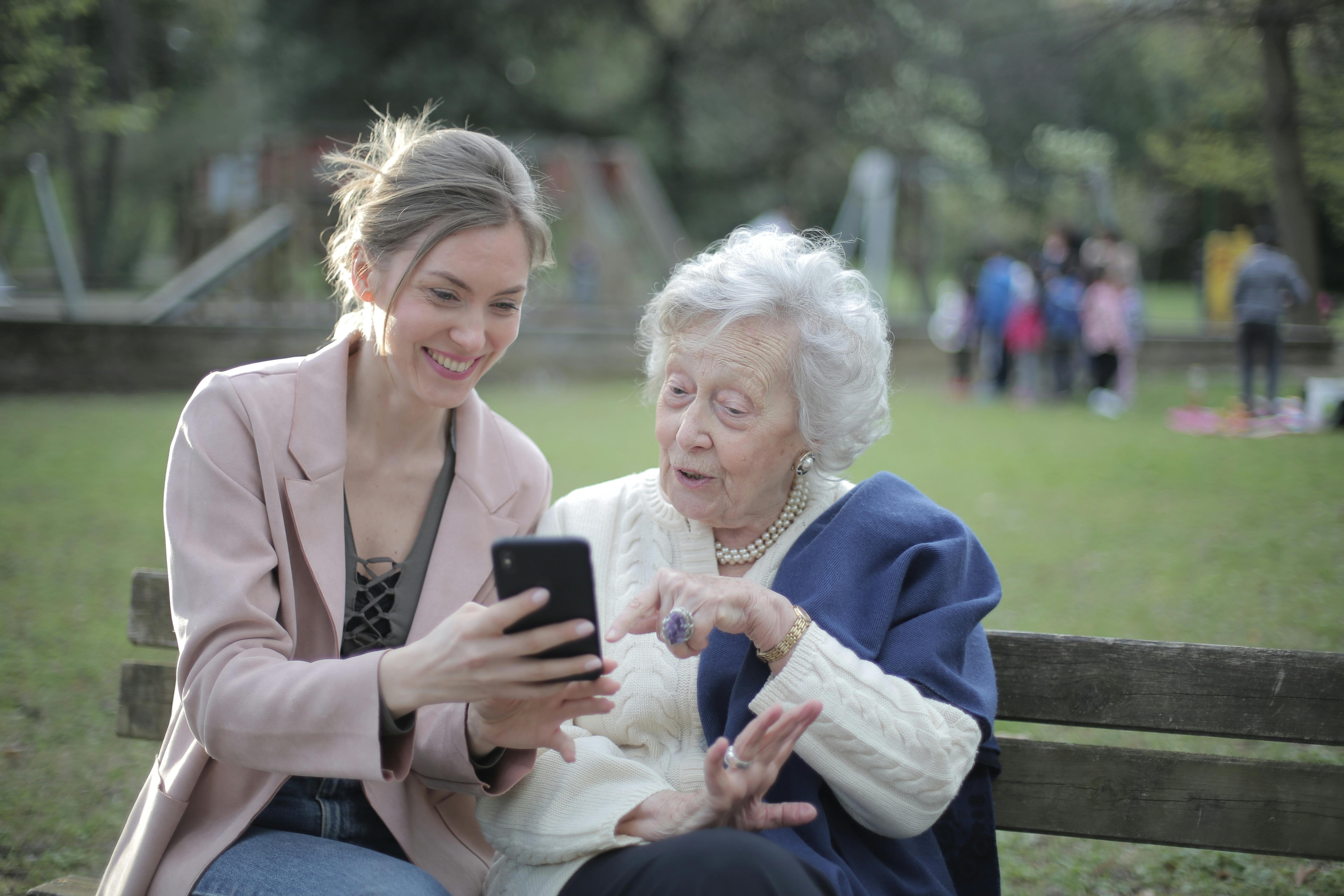
They talk.
Your parent speaks with our warm host in any language and at any time— over phone or app. Family can listen live and join the conversation with their own follow-up questions.
We listen.
The caring host ask gentle prompts to draw out vivid memories — names, places, laughter, even the smell of a childhood kitchen.
You watch.
We transform their words into a 90-second animated film you'll cherish forever.
They talk.
Your parent speaks with our warm host in any language and at any time— over phone or app. Family can listen live and join the conversation with their own follow-up questions.
We listen.
The caring host ask gentle prompts to draw out vivid memories — names, places, laughter, even the smell of a childhood kitchen.
You watch.
We transform their words into a 90-second animated film you'll cherish forever.
They talk.
Your parent speaks with our warm host in any language and at any time— over phone or app. Family can listen live and join the conversation with their own follow-up questions.
We listen.
The caring host ask gentle prompts to draw out vivid memories — names, places, laughter, even the smell of a childhood kitchen.
You watch.
We transform their words into a 90-second animated film you'll cherish forever.
They talk.
Your parent speaks with our warm host in any language and at any time— over phone or app. Family can listen live and join the conversation with their own follow-up questions.
We listen.
The caring host ask gentle prompts to draw out vivid memories — names, places, laughter, even the smell of a childhood kitchen.
You watch.
We transform their words into a 90-second animated film you'll cherish forever.
Celebrate your parents while you can.
Join our waitlist and be the first to record your family’s legacy.
Recording isn’t just preservation. It’s connection.
Recording isn’t just preservation. It’s connection.
Recording isn’t just preservation.
It’s connection.
Family members can listen in, laugh along, and add their own questions — turning every session into a memory in itself.
Family members can listen in, laugh along, and add their own questions — turning every session into a memory in itself.

Frequently Asked Questions
What's included in this?
To draw a Frame, click on Layout in the Toolbar, then select Frame. Now, you can click and drag anywhere on the Canvas.
My parents / grandparents are not good with tech. Can they really use it?
To add an image, select any Frame, and either double-click on it, or go to the Fill property. In the Fill property, switch to the image icon. Here, you can upload images.
How do I add videos?
To add a video to your site, click the “Insert” button and navigate to the “Media” section. Then, drag and drop a video component onto the Canvas.
What's included in this?
To draw a Frame, click on Layout in the Toolbar, then select Frame. Now, you can click and drag anywhere on the Canvas.
Can my parents or grandparents use it?
To add an image, select any Frame, and either double-click on it, or go to the Fill property. In the Fill property, switch to the image icon. Here, you can upload images.
How do I add videos?
To add a video to your site, click the “Insert” button and navigate to the “Media” section. Then, drag and drop a video component onto the Canvas.